
No products in the cart.

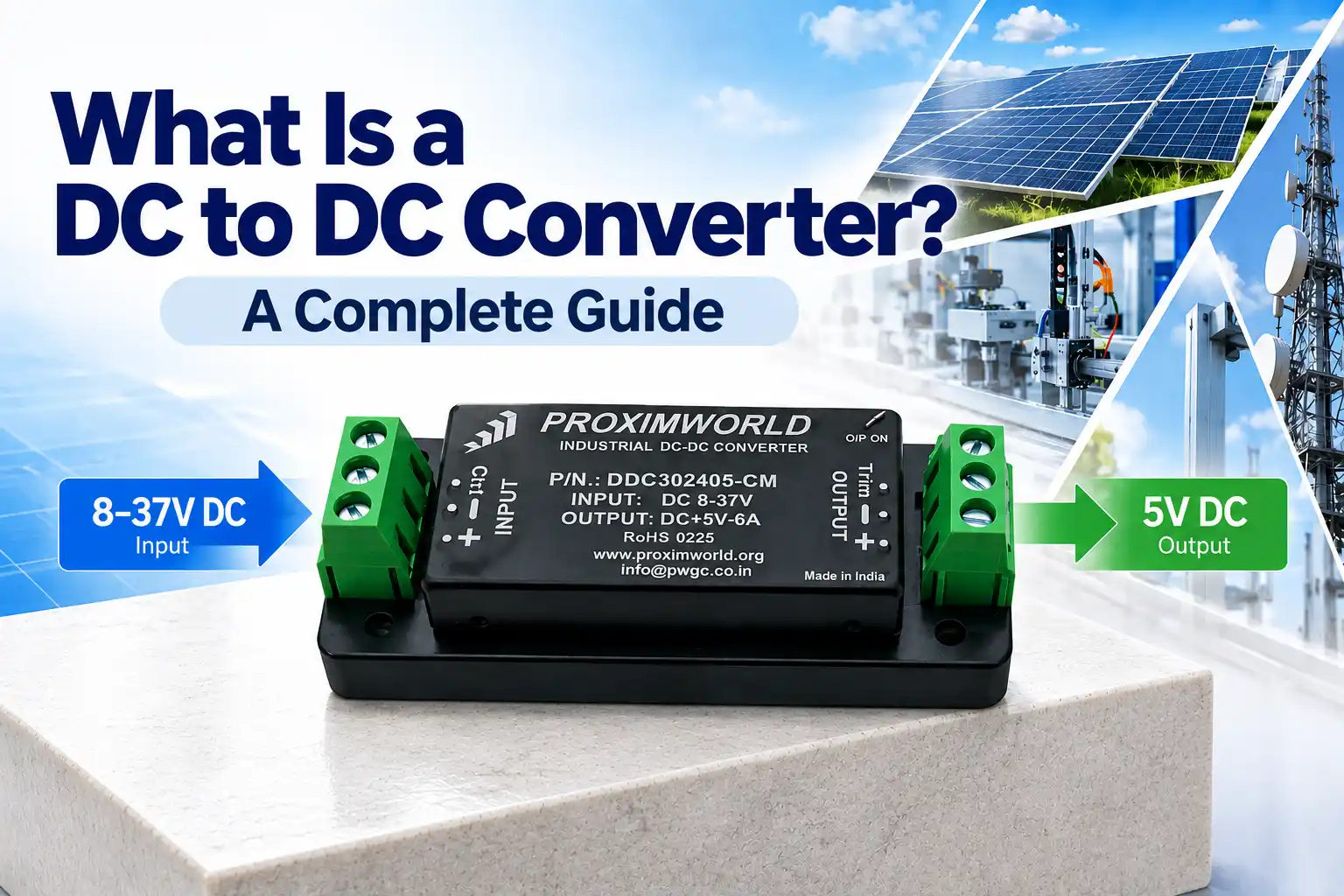
Power systems built around 12V, 24V, or 48V DC buses all share the same challenge: not every component on that bus wants the same voltage. A DC to DC converter is the small module that solves this quietly in the background, and understanding what it actually does makes it much easier to choose the right one for your design. This guide walks through how these converters work, the main types you’ll encounter, and how to pick between them.
A DC-DC converter is a power electronics module that takes one DC voltage level in and delivers a different, regulated DC voltage out. Unlike a basic linear regulator, which simply burns off excess voltage as heat, a converter uses switching electronics to change voltage efficiently — a distinction that matters once power levels climb past a few watts.
At the core of most converters is a switching regulator: a transistor rapidly turns the input on and off, and an inductor and capacitor smooth that switching into a steady output voltage. A feedback loop constantly compares the output against a reference and adjusts the switching to hold that output steady, even as the input voltage or load current shifts.
Three switching behaviors cover most designs:
|
Buck Steps voltage down. Common where the source runs higher than the load needs, like 24V to 12V. |
Boost Steps voltage up. Common when a battery sags below the voltage a load requires. |
Buck-Boost Handles both directions. Best for fluctuating sources like battery packs under load. |
Isolated Uses a transformer to electrically separate input and output for added protection. |
Datasheets list a lot of numbers. These are the ones that matter most when comparing options.
| Specification | What It Tells You |
| Input Voltage Range | The window of source voltages the unit accepts (e.g. 9–36V) |
| Output Power | Maximum continuous power the converter can safely deliver |
| Output Voltage / Adjustability | Fixed or adjustable output, and the available voltage options |
| Isolation Type | Whether input and output share a common ground or are isolated |
| Mounting Format | PCB, chassis, or DIN-rail — determines how it fits your enclosure |
| Built-In Protections | Short circuit, overcurrent, undervoltage, overvoltage coverage |
| IP Rating | Protection level against dust and water for the installation environment |
|
Stable Output Holds a steady voltage even as input or load conditions shift. |
High Efficiency Switching designs waste far less energy as heat than linear regulation. |
Compact Footprint Delivers meaningful power from a small, often board-mountable package. |
|
System Protection Built-in fault protection shields downstream components from field conditions. |
Flexible Voltage Matching Lets one power bus feed components that each need a different voltage. |
Isolation Option Isolated models add a layer of protection against ground loops and spikes. |
| Industrial Automation
Powers PLCs, sensors, actuators, and control panel electronics. |
Renewable Energy
Regulates variable panel or battery voltage before it reaches electronics. |
Telecommunications
Supplies clean, isolated power for network and signal equipment. |
| Transportation
Powers onboard electronics in vehicles, rail, and commercial fleets. |
Medical Equipment
Supplies stable, isolated voltage for diagnostic and monitoring devices. |
Test & Measurement
Feeds precise, stable power to sensitive instrumentation. |
Confirm your input voltage window. Map your source’s low and high swing — including under load and at peak — against the converter’s rated input range.
Calculate your total load power. Add up every downstream device’s power draw, then leave at least 20% headroom above that combined total.
Decide whether isolation is required. If your downstream circuit shares a ground with a noisy source, isolation is usually worth the added cost.
Select the output voltage. Match it to what your downstream electronics require, and confirm whether a fixed or adjustable output fits better.
Choose a mounting format. PCB for embedded designs, chassis for standalone enclosures, DIN-rail for control cabinets.
Review built-in protections. Short circuit, overcurrent, and overvoltage protection reduce field failures.
Verify the environmental rating. Dust and moisture exposure at the install site should match the unit’s IP rating.
Undersized cable drops voltage between the input and the output. Size both input and output wiring for the full expected current, not just the nominal load.
Because a converter is generally tested against grounding practices on both input and output sides, stripping out unnecessary ground loops helps stabilize field performance.
Even with IP-rated protection, the module still runs better away from direct heat sources. Avoid mounting directly next to high-heat components or in enclosed spaces with poor airflow.
Select PCB, chassis, or DIN-rail mounting based on your enclosure’s mechanical constraints, and confirm the mounting hardware matches before ordering.
Confirm the output voltage matches exactly what your downstream load expects — an adjustable output feature covers a broader range if your voltage needs may shift over time.
View full technical specs, or talk to Proximworld’s engineering team to confirm input voltage, output range, and mounting format for your application.
It steps a DC voltage up, down, or inverts it, so a single power bus can safely supply components that each need a different, stable voltage.
This depends on the specific model. Industrial converters commonly support wide input ranges such as 9 to 36V or 18 to 75V to accommodate 12V, 24V, or 48V systems.
Both types exist. Isolated converters use a transformer to electrically separate input and output, which protects against ground loops and voltage spikes; non-isolated designs are simpler and more compact.
Buck-boost topology can either step voltage down or up from the same input, which is useful when the input voltage fluctuates above and below the required output, such as during battery discharge.
Quality converters typically include short circuit, overcurrent, undervoltage, and overvoltage protection to prevent damage from field conditions.
Common formats include PCB-mount for embedded designs, chassis-mount for panel installation, and DIN-rail mount for industrial control cabinets.
Multiply the output voltage by the output current for each load, sum the totals, and choose a converter rated with headroom above that combined figure.

Leave a comment